
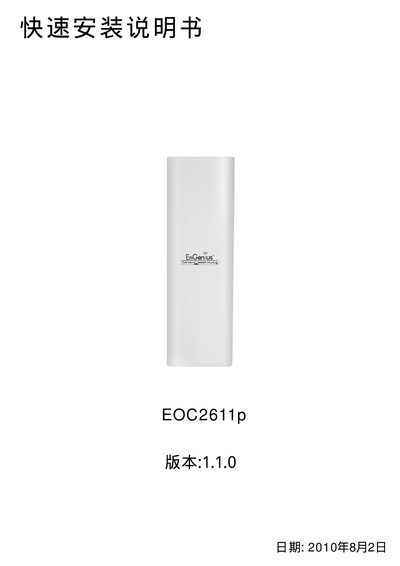
EOC2611p is a wireless local area network access device that provides wireless coverage and wireless bridging functions.
The guide walks the installer through connecting the EOC2611p hardware, verifying the LAN indicator LEDs, and configuring the device's TCP/IP settings. It shows how to assign a static IP (default 192.168.1.1) and subnet mask (255.255.255.0) and how to access the web‑based management interface.
It also explains the four available operation modes—Access Point, Client Bridge, WDS Bridge, and Client Router—detailing the required settings for each mode such as SSID, channel, encryption (WEP only), and power level. Additional sections cover wireless MAC address linking, backup/restore of settings, and restoring factory defaults. This manual is written in Japanese.