
This document is the User Manual of EnStation5-AC/EnStationAC, which introduces the product's features, system requirements, package contents, hardware installation, configuration, status, network, wireless network, and management.
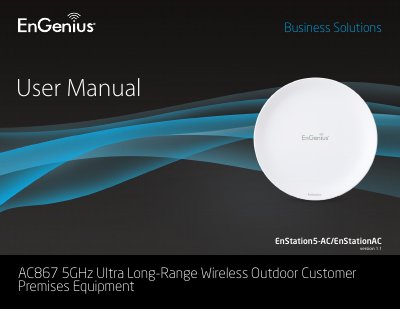
The EnStation5-AC and EnStationAC are high-powered, ultra-long-range 2x2 Wireless 802.11ac/a/n Outdoor Access Points capable of speeds up to 867 Mbps on the 5 GHz band. These devices support operation modes including Access Point, Client Bridge, and WDS (Wireless Distribution System) to connect various CPEs to a business network in outdoor environments.
| Data Rate | up to 867 Mbps |
|---|---|
| Antenna | Internal 19dBi high gain directional antenna |
| Power Input | 802.3at or 802.3af PoE |
| Operating Temperature | -20 °C to 60 °C |
| Ethernet Ports | 2 x 10/100/1000 Gigabit Ethernet Port |
You need a computer with an Ethernet interface or wireless capability, a Windows/Mac/Linux OS, and a web-browser application.
The device supports IEEE 802.11ac, 802.11a, and 802.11n wireless standards.