
This document is the user manual of ENS202EXT wireless AP
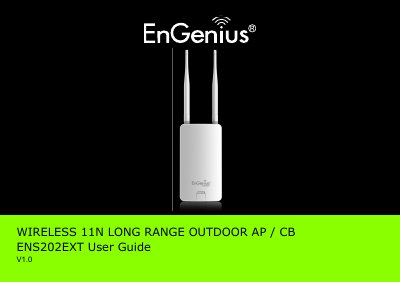
This document serves as the user guide for the EnGenius ENS202EXT, a Wireless 11N Long Range Outdoor Access Point. It provides comprehensive instructions on product overview, hardware features, and software capabilities. The guide details the installation process, including system requirements and physical setup, as well as pre-installation guidelines.
The manual covers extensive configuration procedures via a web interface, including basic network settings, router setup, wireless LAN configuration, security settings (WEP, WPA, WPA2), and management features. It also includes instructions for viewing system status, logs, and client lists, along with advanced settings for WDS links and firmware upgrades.
| Wireless Standard | Wireless 11N |
|---|---|
| Product Type | Outdoor AP |
| Model Number | ENS202EXT |
The equipment must be installed and operated with a minimum distance of 20cm between the radiator and your body.
Technical support contact information is available in Appendix C of the manual, listing service centers and contact details by region.