
This document is the User Manual of EAP 11AC series wireless access points. It introduces the features and configuration of the product.
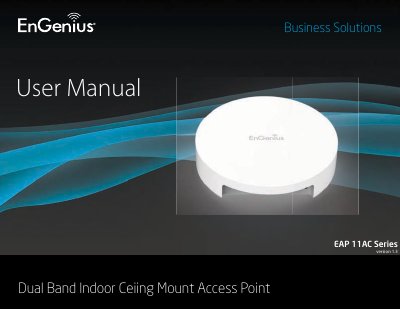
This manual provides instructions for the EnGenius EAP 11AC Series, a dual-band indoor ceiling mount access point designed for business solutions. It details the product overview, system requirements, and package contents for various models within the series, including the EAP1750H, EAP1300, and EAP1250.
| Wireless Standards | IEEE802.11ac/b/g/n |
|---|---|
| 2.4 GHz Data Rate | up to 450 Mbps |
| 5 GHz Data Rate | up to 1300 Mbps |
| Antennas | Three internal 5 dBi (2.4 GHz) and three 5dBi (5 GHz) omni-directional MIMO antennas |
| Power Supply | 12V/2A |
| Ethernet Port | 1 x 10/100/1000 Gigabit Ethernet Port |
| Operating Temperature | 32°F to 104°F (0°C to 40°C) |
You need a computer with an Ethernet interface or wireless network capability, a compatible OS (Windows 7/8/10, Mac OS, or Linux), and a web-browsing application.
Yes, it can be used via PoE with PoE 802.3at capable Switches or Injectors.
The device supports WEP (64/128bit) and WPA/WPA2 (TKIP/AES).