
This user manual provides information on how to install and configure the EWS indoor access point.
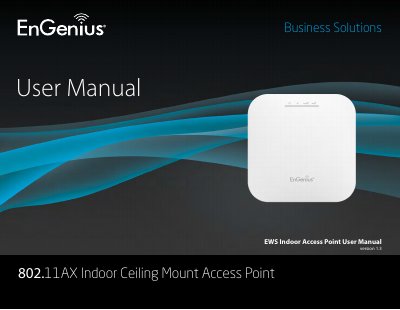
This user manual covers installation, configuration, and network settings for the EnGenius 802.11AX indoor ceiling mount access point. It includes sections on product overview, hardware setup, wireless configuration, network management, and advanced features like MU-MIMO, beamforming, and guest network settings. The device supports dual-band 2.4GHz and 5GHz operation with up to 1200 Mbps speed and integrates with EnGenius ezMaster for centralized management.
The manual also details physical specifications, LED indicators, power requirements, and compliance statements for FCC, IC, and EU regulations. It provides step-by-step instructions for configuring wireless security, QoS, MAC filtering, and scheduling, as well as troubleshooting and maintenance procedures.
| Wireless Standards | IEEE 802.11ax/ac/a/b/g/n |
|---|---|
| Data Rate (2.4GHz) | 574 Mbps |
| Data Rate (5GHz) | 1,200 Mbps |
| Antenna Type | Integrated Omni-directional antennas |
| Ethernet Port | 1 x 10/100/1000/2500 Ethernet Port with PoE support |
| Power Requirements | DC12V/ 1.5A adapter |
| Operating Temperature | 0 °C to 40 °C (32 °F to 158 °F) |
| Dimensions | 160 mm (6.30”) x 160 mm (6.30”) x 34 mm (1.34”) |
| Weight | 370 g (0.75 lbs) |
It supports IEEE 802.11ax/ac/a/b/g/n wireless standards.
It offers up to 1,200 Mbps on the 5GHz band.
It is powered by a DC12V/1.5A adapter.
It operates between 0 °C to 40 °C (32 °F to 158 °F).