
This document introduces the usage of ELECOM M-DT15L wireless trackball mouse, including battery installation, power switch, and connection to PC
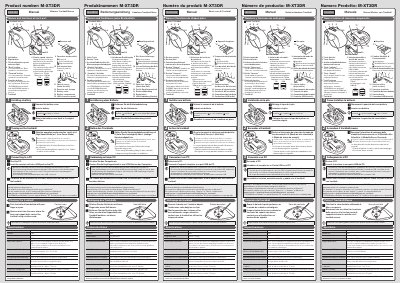
This manual provides instructions for installing the battery and setting up the ELECOM M-XT3DR wireless trackball mouse. It explains how to switch between high-speed and low-power modes, use the forward and back buttons, and connect the device to a PC via USB. The manual also includes details on cleaning the trackball and downloading the ELECOM Mouse Assistant software for enhanced functionality on Windows and Mac systems.
The mouse has a high-speed mode (H) for faster tracking and a low-power mode (L) to extend battery life.
The product number is M-XT3DR.