
Panasonic WV-Q108AE Wall Mount Bracket Installation Guide


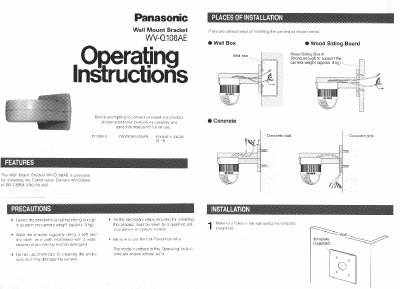
Panasonic WV-Q108AE Wall Mount Bracket Installation Guide - cover page
Brand
Panasonic
Category
other commodities
Document type
Installation Guide
Language
English
Pages
3
File format
PDF
File size
244 KB
Published
08 August, 2012
Updated
20 August, 2012
MD5 checksum
6214C8EC77771344BA4B4B51BD5D0FF2

About this manual

This document provides installation instructions for the Panasonic WV-Q108AE Wall Mount Bracket. It covers preparation steps such as cleaning the bracket and protecting cables, as well as the specific procedure for cutting the diecast case to fit the camera mounting angle.

What's inside

  • Features
  • Precautions
  • Places of Installation
  • Mounting Preparation
  • Cutting the Diecast Case
  • Fixing the Camera Mounting Angle
  • Fastening the Bracket
  • Connecting Wires
  • Fall Prevention Wire
  • Specifications

Specifications

Ambient Operating Temperature10°C - +50°C (14°F — 122°F)
Dimensions165(W) x 140(H) x 217.5 (D) mm
Weight650 g (1 43 Ibs)

Frequently asked questions

What is the maximum weight the bracket can support?

The bracket is strong enough to support the camera weight of approximately 3 kg.

Is the fall prevention wire included with the bracket?

No, the fall prevention wire is not supplied with the bracket.

What screws are required to fix the camera mounting angle?

Four Camera Mounting Angle Fixing Screws (M4xL8) are required.

Download PDF (244 KB)

More Panasonic Manuals


View all Panasonic manuals →