
This document provides operating instructions for the WV-Q152C and WV-Q152S models of ceiling mount brackets, including precautions and installation steps.
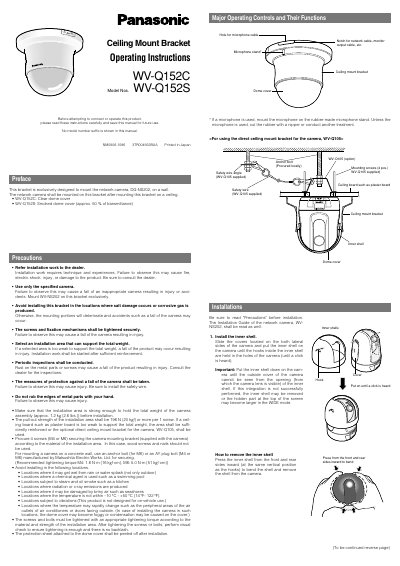
This manual provides operating instructions for the Panasonic WV-Q152C ceiling mount bracket, designed exclusively for mounting the WV-NS202 network camera. The bracket is intended for use with the optional WV-Q105 direct ceiling mount bracket and includes a clear or smoked dome cover. Before installation, users must read the precautions regarding weight support, environmental conditions, and safety measures to prevent injury or product damage.
| Ambient temperature | -10°C to +50 °C {14°F - 122°F} |
|---|---|
| Dimensions | 185 mm {7-5/16"} in diameter x 163 mm {6-7/16"} in height |
| Weight | Approx. 230 g |
| Finish | Main body: ABS resin with silver metallic coating |
| Dome cover material | Acrylic resin |
This bracket is exclusively designed to mount the network camera, WV-NS202.
The total weight of the camera assembly is approximately 1.2 kg {2.6 lbs.}.