
This document is about the installation instructions for a network camera. It provides precautions before installation, installation steps, and instructions for using a wall mount bracket.
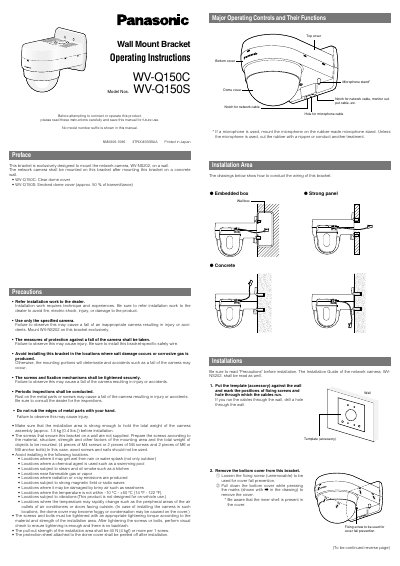
This document provides operating and installation instructions for the Panasonic WV-Q150C wall mount bracket. The bracket is specifically designed to mount the WV-NS202 network camera on a concrete wall. It includes details on compatible dome covers (clear or smoked) and emphasizes that installation work must be performed by a dealer due to safety risks.
| Ambient temperature | -10 °C - +50 °C (14 °F - 122 °F) |
|---|---|
| Dimensions | 165 (W) x 206.5 (H) x 217.5 (D) mm |
| Weight | Approx. 950 g (2.10 Ibs.) |
| Main body material | Treatment steel |
| Cover material | ABS resin with silver metallic coating |
This bracket is exclusively designed to mount the network camera, WV-NS202.
The recommended tightening torque for the fixing screw is 1.6 N-m (16 kgf-cm).
Do not install in locations where it may get wet, near flammable gas, or subject to strong magnetic fields.