
This is an instruction manual for a ceiling mount bracket. It describes the steps to install the bracket, including preparing the mounting board, attaching the ceiling mount ring, and attaching the camera.
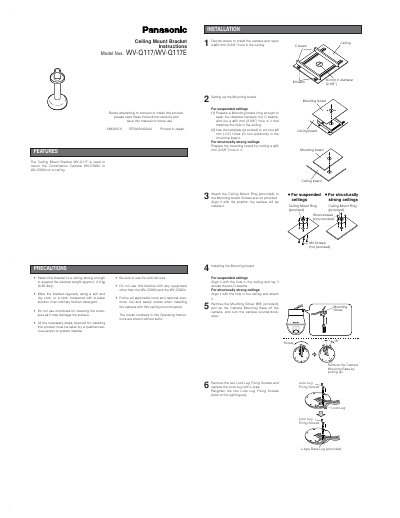
This document provides installation instructions for the Panasonic WV-Q117 Ceiling Mount Bracket, designed to mount WV-CS95 or WV-CS954 combination cameras. It details the necessary precautions, required tools, and step-by-step procedures for installing the bracket on both suspended and structurally strong ceilings. The guide covers setting up the mounting board, attaching the camera, and installing fall prevention wires.
| Dimensions | 120 (diameter) x 202 (D) mm |
|---|---|
| Weight | 720g |
The bracket is used to mount the Combination Camera WV-CS95 or WV-CS954 on a ceiling.
The bracket is designed to support a camera weight of approximately 2.9 kg (6.38 lbs).
No, the mounting screw is not provided and must be prepared by the installer.