
Panasonic KV-SS080 Flatbed Scanner Operating Instructions

This manual is KV-SS080 Operating Instructions, which introduces the installation and operation methods of the product.
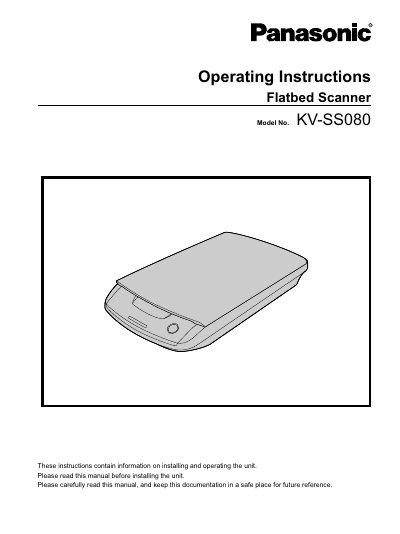

Panasonic KV-SS080 Flatbed Scanner Operating Instructions - cover page
Brand
Panasonic
Category
Scanner
Document type
User Manual
Language
English
Pages
32
File format
PDF
File size
532 KB
Published
08 August, 2012
Updated
30 September, 2023
MD5 checksum
2239B4822EEFEA9A7937CF324ACAAC13

About this manual

This document provides operating instructions for the Panasonic KV-SS080 flatbed scanner. It serves as a proprietary option that must be connected to a compatible scanner unit and computer to function. The manual details the installation methods, part names, operational features, and maintenance requirements for the device.

What's inside

  • Before You Start
  • For Your Safety
  • Installation
  • Included Accessories
  • Location of Controls
  • About the LEDs
  • Installing Software
  • Turning on the Unit
  • Scanning Documents
  • Care and Maintenance

Frequently asked questions

What is required to use this unit?

To use this unit, both it and a compatible scanner must be connected to the computer used.

What is included with the electronic documentation?

The CD-ROM includes three software reference manuals: PIE Reference Manual, RTIV Reference Manual, and User Utility Reference Manual.

Download PDF (532 KB)

More Panasonic Manuals


View all Panasonic manuals →