
This document is the operating manual for the Panasonic high-speed color scanner KV-S7075C. It provides instructions on how to use the scanner and its functions. Users are reminded to familiarize themselves with the included installation manual before reading this document. Keep all documentation in a safe place for future reference.
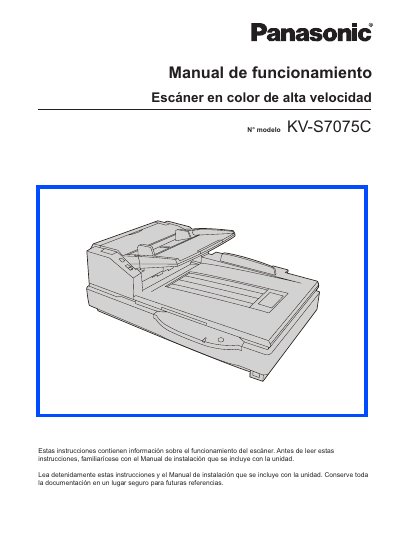
This document is the Operation Manual (Manual de funcionamiento) for the Panasonic KV-S7075C high-speed color scanner. It provides instructions on component identification, power-on sequences, loading documents into the ADF or flatbed, and performing various scan operations including handling different paper sizes and thicknesses.
The manual also details maintenance procedures such as cleaning external and internal components, replacing consumible roller modules, and resolving paper jams. Additionally, it includes a section on troubleshooting common issues like shading adjustments and provides safety warnings regarding power supply and grounding. This manual is written in Spanish.
| System Requirements CPU | Intel Core 2 Duo, 1.8 GHz or higher |
|---|---|
| Memory Requirement | 1 GB or more |
| Hard Disk Space | 5 GB or more free space required |
You need 5 GB or more of free space.
The use of the USB 2.0 interface is recommended.