
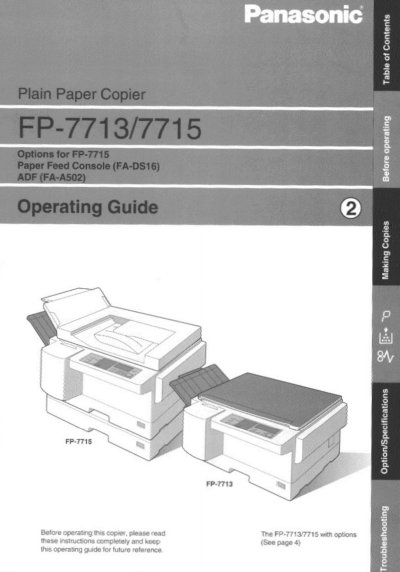
Panasonic FP-7713/7715 Plain Paper Copier Operating Instructions


Panasonic FP-7713/7715 Plain Paper Copier Operating Instructions - cover page
Brand
Panasonic
Category
copier
Document type
User Manual
Language
English
Pages
24
File format
PDF
File size
1017 KB
Published
08 August, 2012
Updated
22 August, 2012
Model
FP7
MD5 checksum
F99AAF0A96261F118C338E629662A4F7

About this manual

This manual provides operating instructions for the Panasonic FP-7713 and FP-7715 plain paper copiers. It details how to load paper, position originals, and use various copy settings including full size, reduction/enlargement, zoom, 2-page copying, and sky shot modes. The guide also explains creative features such as symbol marks and automatic document feeding options.

What's inside

  • Making Copies
  • Creative Features
  • Options/Functions
  • Precautions
  • Installation
  • Adding Paper
  • Troubleshooting
  • Care of Copier

Specifications

Power Consumption (Normal Operation)1.35 kW
Power Consumption (Stand-by mode)Approximately 45 Wh
Power Consumption (Power Saving mode)Approximately 9Wh
Recommended Paper Weight16 Ibs. - 24 Ibs.

Frequently asked questions

What is the recommended ambient temperature for installation?

The copier should be installed in an area with a temperature between 50°F and 86°F.

Can I use high quality paper heavier than the standard recommendation?

Yes, up to 34 lbs. may be used via the sheet bypass.

What should I do if the copier makes irregular sounds or emits an abnormal odor?

Turn the power switch off and contact your authorized Panasonic dealer for service.

Download PDF (1017 KB)

More Panasonic Manuals


View all Panasonic manuals →