
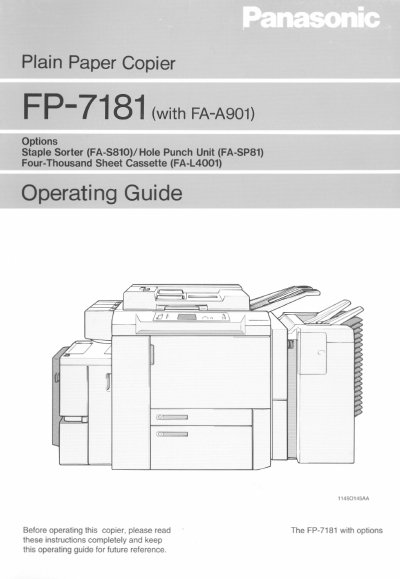
Panasonic FP-7181 Plain Paper Copier Operating Instructions


Panasonic FP-7181 Plain Paper Copier Operating Instructions - cover page
Brand
Panasonic
Category
copier
Document type
User Manual
Language
English
Pages
130
File format
PDF
File size
4.5 MB
Published
08 August, 2012
Updated
22 August, 2012
Model
FP7
MD5 checksum
48DD2CC85F5EBC58671162D7F0329C60

About this manual

This manual provides comprehensive operating instructions for the Panasonic FP-7181 plain paper copier. It covers essential topics including safety notes, installation requirements, system overview, and detailed control panel usage. The guide explains how to turn the unit on and off, utilize auxiliary functions like energy saver mode, and manage various copying tasks.

What's inside

  • Safety Notes
  • Installing The Copier
  • System Overview
  • Control Panel Keys
  • Turning ON and OFF
  • Making Copies
  • Auxiliary Functions
  • Troubleshooting
  • Specifications

Specifications

Product TypePlain Paper Copier

Frequently asked questions

What is an Energy Star Copier?

It is a copier with features like automatic sleep mode after inactivity and double-sided copying to reduce electricity costs by over 60 percent.

What happens if the paper drawer is empty?

The copier will display the message "The Current Paper Drawer is empty."

Download PDF (4.5 MB)

More Panasonic Manuals


View all Panasonic manuals →