
Panasonic DP-C406/C306/C266 Digital Color Imaging Systems Operating Instructions

This manual describes the basic operation of the Panasonic Digital Color Imaging System DP-C406/C306/C266.
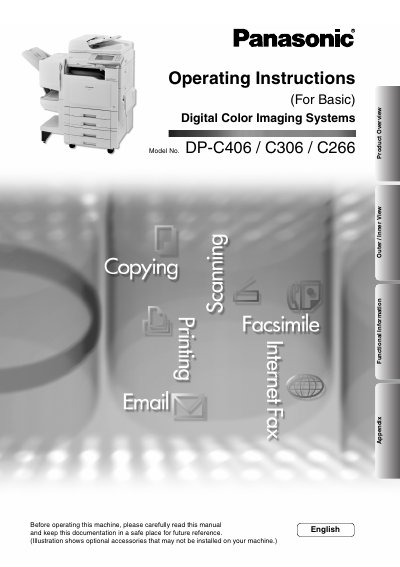

Panasonic DP-C406/C306/C266 Digital Color Imaging Systems Operating Instructions - cover page
Brand
Panasonic
Category
copier
Document type
User Manual
Language
English
Pages
40
File format
PDF
File size
4.6 MB
Published
08 August, 2012
Updated
01 October, 2023
Models
DP-C406, C306, C266
MD5 checksum
A1D2996CD0470899EA0A23228BAD525C

About this manual

This manual provides operating instructions for the Panasonic DP-C406/C306/C266 Digital Color Imaging Systems. It serves as a basic guide for users to operate the machine safely and effectively.

The document outlines safety information, conventions used in the text, and an overview of the product's outer and inner views. It details key functions such as copying, scanning, facsimile (optional), internet fax, email scanning, and printing.

What's inside

  • Product Overview
  • Conventions
  • Safety Information
  • Outer / Inner View
  • Control Panel
  • Copy Function
  • Facsimile and Internet Fax Function
  • Scan and Email Function
  • Print Function
  • Appendix

Frequently asked questions

What symbols alert operators to heated surfaces?

A specific symbol is used to alert operators to a heated surface that may cause burns and requires close attention.

What is the purpose of the CAUTION symbol in this manual?

The CAUTION symbol denotes hazards that could result in minor injury or damage to the machine.

What should you do if your machine emits smoke?

You must stop operation immediately and switch Off and unplug the machine.

Download PDF (4.6 MB)

More Panasonic Manuals


View all Panasonic manuals →