
This product is a multi-function printer that can print, copy, and scan
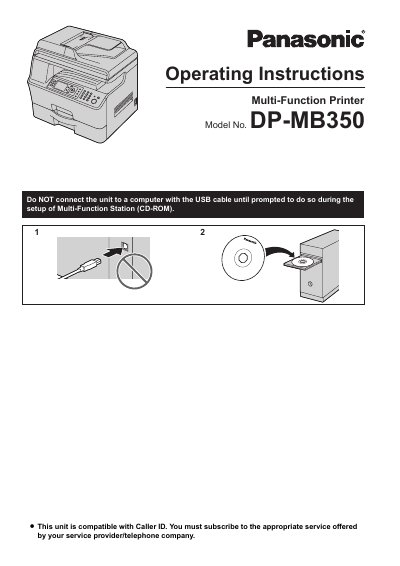
This document is the Spanish user manual for the Panasonic DP-MB350 Multifunction Printer. It provides instructions on setting up the device, including installing toner cartridges and configuring network connections. The guide covers operating procedures for printing from Windows applications, scanning documents via Push or Pull Scan methods, making copies, sending and receiving faxes, and using the Call ID service. This manual is written in Spanish.
| Product Type | Multifunction Printer |
|---|---|
| Model Number | DP-MB350 |
The default configuration for the screen and reports is English.
No, do not rub or use an eraser on the printed face of the paper as it may stain.
The unit must remain ON for a minimum of 30 minutes after printing to extend the life of the drum cartridge.