
Panasonic DP-C406/C306/C266 Digital Color Imaging Systems Operating Instructions

This is an operating instruction manual for Panasonic DP-C406 / C306 / C266 color copier.
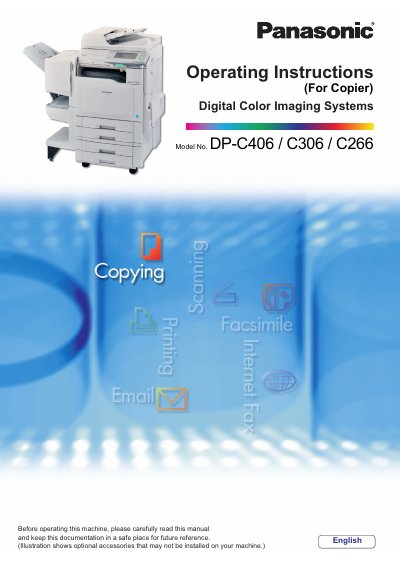

Panasonic DP-C406/C306/C266 Digital Color Imaging Systems Operating Instructions - cover page
Brand
Panasonic
Category
copier
Document type
User Manual
Language
English
Pages
228
File format
PDF
File size
5.6 MB
Published
08 August, 2012
Updated
30 September, 2023
Models
DP-C406, C306, C266
MD5 checksum
F85821AFE7915FE2B938B781F6CAA196

About this manual

This manual provides operating instructions for the Panasonic Digital Color Imaging Systems (models DP-C406, C306, and C266). It covers basic procedures for copying, facsimile transmission, scanning to email, printing, and maintenance. The document also details advanced features such as confidential communication, password protection, and job build functions.

What's inside

  • Placing Originals
  • Fax Transmission Procedure
  • Using the Address Book
  • Receiving Documents
  • Print Reduction and Duplex Recording
  • Confidential Communication
  • Password Communication
  • Maintenance Guide

Frequently asked questions

What functions are included in the Operating Instructions CD?

The CD contains manuals for Administrator Setup, User Setup, Copy, Facsimile/Internet Fax, Scan/Email, Print functions, Function Parameters, User Authentication, and Maintenance.

When is the Facsimile function available?

The Facsimile function is only available when the optional G3 Fax Communication Board is installed.

What software is included on the Document Management System CD?

It includes the Panasonic Document Management System Application software and its manuals.

Download PDF (5.6 MB)

More Panasonic Manuals


View all Panasonic manuals →