
Panasonic DP-C405/C305/C265 Digital Color Imaging Systems Operating Instructions

This document is the operating instructions for Panasonic DP-C405 / C305 / C265 Digital Color Imaging Systems. It contains detailed information on device setup, basic operations, and various functions.
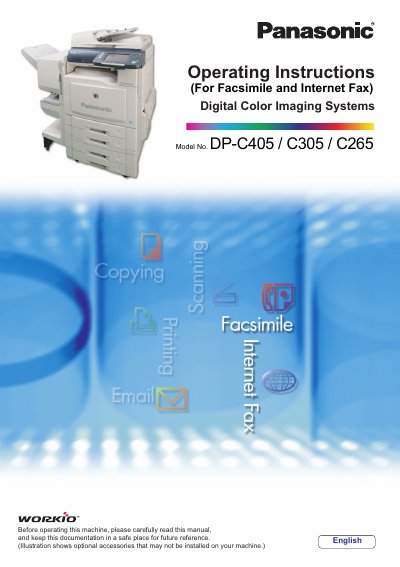

Panasonic DP-C405/C305/C265 Digital Color Imaging Systems Operating Instructions - cover page
Brand
Panasonic
Category
copier
Document type
User Manual
Language
English
Pages
100
File format
PDF
File size
4.7 MB
Published
08 August, 2012
Updated
29 September, 2023
Models
DP-C405, C305, C265
MD5 checksum
7F6A926E0127746C59BDA5764A2FB554

About this manual

This manual provides operating instructions for the Panasonic Digital Color Imaging Systems models DP-C405, C305, and C265. It covers essential information for setting up the machine and performing proper operation of copy, print, facsimile/Internet fax, scan/email, and other functions.

What's inside

  • Selecting the Color Mode
  • Selecting Original Type and Adjusting the Density
  • Quality Adjusting
  • Background Removal
  • 2-Sided Copy Mode
  • Zoom Mode
  • Combined Copy Functions

Frequently asked questions

What is the maximum number of copies that can be made at once?

The machine allows you to enter a desired number of copies up to 999.

How many sheets can be placed in the ADF for copying?

You can place up to 100 sheets (20 lb/Letter) face up or face down.

Download PDF (4.7 MB)

More Panasonic Manuals


View all Panasonic manuals →