
Panasonic DP-C405/C305/C265 Digital Color Imaging Systems Operating Instructions

This is an operating instruction manual for digital color imaging systems, covering copying, printing, faxing, scanning, and mail functions.
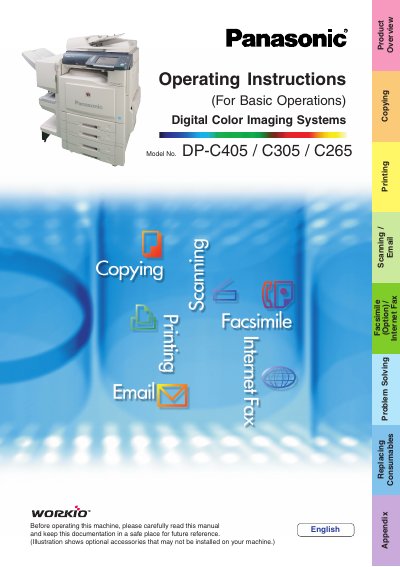

Panasonic DP-C405/C305/C265 Digital Color Imaging Systems Operating Instructions - cover page
Brand
Panasonic
Category
copier
Document type
User Manual
Language
English
Pages
112
File format
PDF
File size
37.2 MB
Published
08 August, 2012
Updated
30 September, 2023
Models
DP-C405, C305, C265
MD5 checksum
CC340004662E02A2CEEFE5D5AB7C4C9D

About this manual

This manual provides essential information for the basic operation of the Panasonic DP-C405/C305/C265 Digital Color Imaging Systems. It covers core functions including copying with creative features, printing from SD Memory Cards or PCs, scanning to email, and sending faxes via Internet Fax (if equipped). The guide also details how to set up the machine using the included CD-ROMs for advanced settings.

What's inside

  • Product Overview
  • Safety Information
  • Copy Function
  • Scan/Email Functions
  • Facsimile/Internet Fax Functions
  • Printing from SD Memory Card / PC
  • Problem Solving
  • Replacing Consumables

Specifications

Supported Memory CardsSD Memory Card (up to 4GB)
Control Panel AdjustmentAdjustable to 4 positions

Frequently asked questions

What file formats can be printed directly from the SD Memory Card?

You can print files in TIFF or PDF format, as well as pictures in JPEG format.

Can I use a PCMCIA card to print?

Yes, you can use a commercially available Type II 3.3V PCMCIA/PC Card adapter.

Download PDF (37.2 MB)

More Panasonic Manuals


View all Panasonic manuals →