
This manual is the operating instructions for the Panasonic DP-MB350 printer, which introduces the basic operation, setting and maintenance of the printer
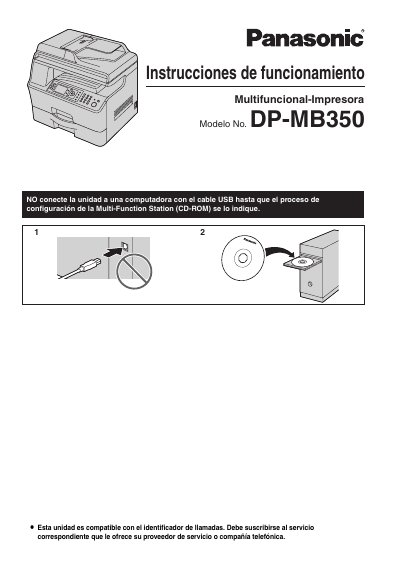
This document is the official user guide for the Panasonic DP-MB350 multifunction printer. It provides instructions in Spanish for setting up the device, connecting it to a computer or network, and performing basic operations such as printing, scanning, copying, and sending faxes.
The manual includes detailed sections on hardware installation, including handling toner cartridges and paper trays. It also covers troubleshooting common issues like paper jams, cleaning procedures, and safety precautions regarding laser radiation and heat. This manual is written in Spanish.
| Product Type | Multifunction Printer |
|---|---|
| Model Number | DP-MB350 |
Yes, you can select between English or Spanish for the screen and reports.
Do not expose the drum unit to light for more than 3 minutes, as exposure can damage it.