
The document is a user guide for the DX-2000 facsimile machine. It provides important information about the product, including the model number, serial number, date of purchase, dealer information, and contact numbers for supplies and service. The document also provides information and parameters for setting up the machine via LAN, recommending users to contact their network administrator for the required information. Lastly, the document includes space to record user information and network parameters. Overall, the document provides a user guide and setup requirements for the DX-2000 facsimile machine.
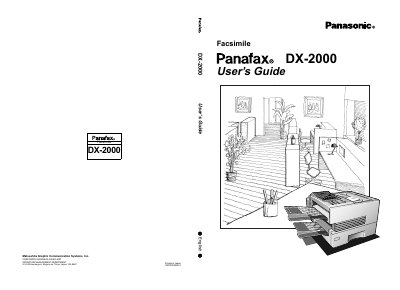
This document serves as the User's Guide for the Panasonic DX-2000 Facsimile machine. It provides instructions on getting to know the machine, including safety information, external views, and control panel functions. The guide details pre-installation information and setup procedures for various communication methods, such as SMTP mail servers, POP3 clients, and internet fax transmission.
No, the DX-2000 cannot make a phone call via LAN.
You can set documents on the ADF up to 50 pages at one time.
The machine supports Letter size documents based on a 20 lbs weight.