
This manual describes the basic operating procedures of Panasonic DP-C406/C306/C266 Digital Color Imaging Systems.
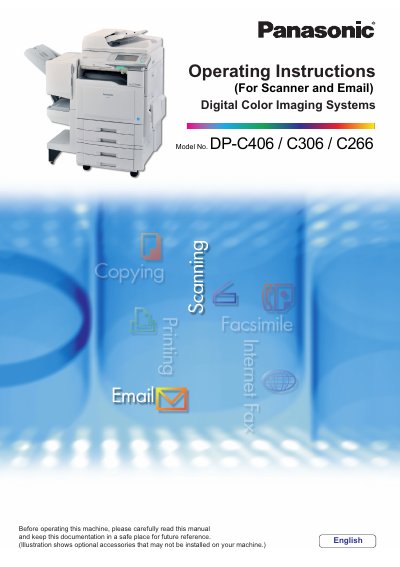
This manual provides operating instructions for the Panasonic Digital Color Imaging Systems models LIP-C406, C306, and C266. It covers basic procedures for placing originals on the ADF or platen glass, scanning documents to email addresses, SD cards, USB flash memory, and internal hard disk drives. The guide also details how to configure settings for color quality, compression, background removal, and file types.
| ADF Capacity | Up to 100 sheets (20 lb/Letter) |
|---|---|
| Original Size Support | A3, B4, A4, A5, FLS, Letter, Legal, Ledger |
| Paper Weight Range | 1 sided: 50-105 g/m²; 2 sided: 64-105 g/m² |
Do not use drawing papers, transparencies, labeling paper, heavy weight papers, thin art papers, film, thermal papers, or curled/creased papers.
When using the Scan/Email function, the created images are rotated by 90 degrees.
If the original is not positioned properly, a portion of the original may not be scanned.