
Panasonic DP-C405/C305/C265 Digital Color Imaging Systems Installation Overview and Operating Instructions

This manual describes the detailed procedures for configuring the network and connecting the machine, including network port connection and USB port connection.
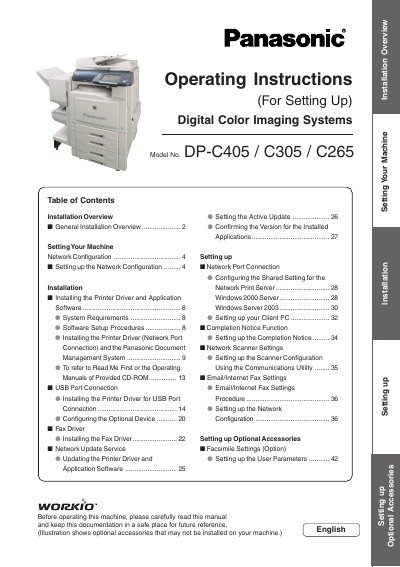

Panasonic DP-C405/C305/C265 Digital Color Imaging Systems Installation Overview and Operating Instructions - cover page
Brand
Panasonic
Category
copier
Document type
User Manual
Language
English
Pages
48
File format
PDF
File size
8.6 MB
Published
08 August, 2012
Updated
01 October, 2023
Models
DP-C405, C305, C265
MD5 checksum
AA383B150C8186FBF91EDC24F6BE05DD

About this manual

This document provides an installation overview for the Panasonic DP-C405, C305, and C265 Digital Color Imaging Systems. It covers general setup guidelines, including connecting cables (USB, telephone) and turning on power switches correctly. The guide details how to configure network settings via the machine's control panel for environments without a DHCP server.

What's inside

  • Installation Overview
  • Setting up the Network Configuration
  • Installing the Printer Driver
  • Fax Driver Installation
  • Network Update Service
  • Email/Internet Fax Settings
  • System Requirements

Frequently asked questions

What is the default password for Key Operator Mode?

The default password is 'OO000000'.

Is USB 2.0 supported by this machine?

Yes, the machine is USB 2.0 compliant and backward compatible with USB revision 1.1.

What hardware is required for the Fax Driver?

An optional Fax Communication Board (Order Number: DA-FG320) is required.

Download PDF (8.6 MB)

More Panasonic Manuals


View all Panasonic manuals →