
This document is the operating instructions for the Panasonic DP-C405 / C305 / C265 digital color imaging systems, including scanner and email functions. The document provides essential information for setup and basic operation, and introduces the detailed functions of the included CD-ROMs and software.
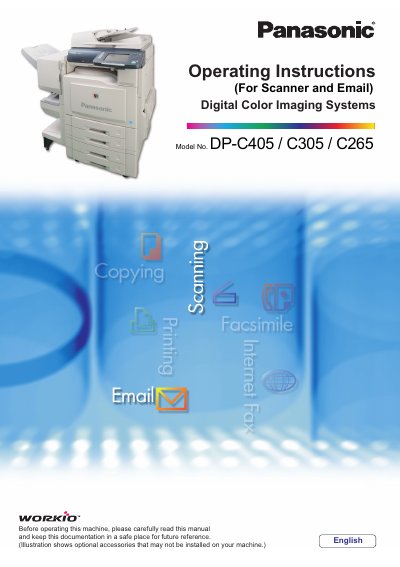
This manual provides operating instructions for the Panasonic DP-C405/C305/C265 Digital Color Imaging Systems. It covers essential procedures for setting up the machine and performing basic operations such as copying, printing, facsimile/Internet faxing, scanning to email, and other functions.
The document details workflows for sending scanned images via Email or saving them to various storage media including SD Memory Cards, PCMCIA/PC Cards, and Internal Hard Disk Drives. It also explains how to configure scanning quality, adjust original types and density, attach image files from different sources, and manage address books.
This manual covers the DP-C405, C305, and C265 models.
The ADF can hold up to 100 sheets of Letter size paper.
The created images are rotated by 90 degrees.