
Panasonic DP-C405/C305/C265 Digital Color Imaging Systems Operating Instructions

This manual contains essential information for proper operation of the machine. It describes basic Copy, Print, Facsimile/Internet Fax, Scan/Email, and other functions.
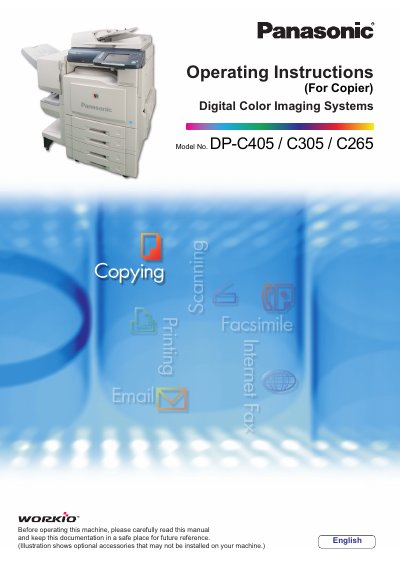

Panasonic DP-C405/C305/C265 Digital Color Imaging Systems Operating Instructions - cover page
Brand
Panasonic
Category
copier
Document type
User Manual
Language
English
Pages
100
File format
PDF
File size
4.7 MB
Published
08 August, 2012
Updated
30 September, 2023
Models
DP-C405, C305, C265
MD5 checksum
17570FE4B05249C3C7CA436E32305326

About this manual

This manual provides operating instructions for the Panasonic Digital Color Imaging Systems, specifically the DP-C405, C305, and C265 models. It serves as a guide for users to properly operate the machine, covering essential functions such as copying, printing, facsimile, and scanning.

What's inside

  • Selecting the Color Mode
  • Selecting Original Type and Adjusting the Density
  • Quality Adjusting
  • Background Removal
  • 2-Sided Copy Mode
  • Zoom Mode
  • Combined Copy Functions
  • Basic Operation Procedure

Frequently asked questions

What is the maximum number of copies that can be made in a single job?

The machine allows you to enter up to 999 copies for a single job.

How many sheets of Letter paper can the Automatic Document Feeder hold when copying face up?

The feeder holds up to 100 sheets of 20 lb Letter paper.

What happens if the orientation of the original does not match the copy paper?

The machine automatically rotates the image by 90 degrees.

Download PDF (4.7 MB)

More Panasonic Manuals


View all Panasonic manuals →