
This document provides operating instructions for the DP-C106 Digital Color Imaging System, including various options and related trademark and copyright information.
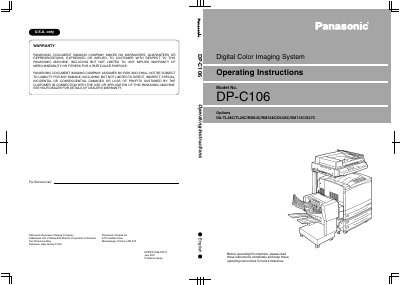
This document provides operating instructions for the Panasonic DP-C106 Digital Color Imaging System. It includes important safety notes regarding electrical grounding, ozone ventilation, and laser safety to ensure safe operation of the machine.
The manual covers various aspects of using the system, including documentation conventions used throughout the text, troubleshooting steps, and warranty information provided by Panasonic Document Imaging Company.
You must never use an extension cord between the copier power cord and an electrical outlet.
Disconnect the power cord from the wall outlet and call your local authorized Panasonic service representative.
Always locate the DP-C106 on a solid support surface with adequate strength for the weight of the copier.