
This document is the Volume 1 Instruction Manual for EED DSSRR440000H H E V E R F O C U S E L E C T R O N I C S C O R P O R A T I O N EDSR 400h. It provides an overview of the product's features and specifications.
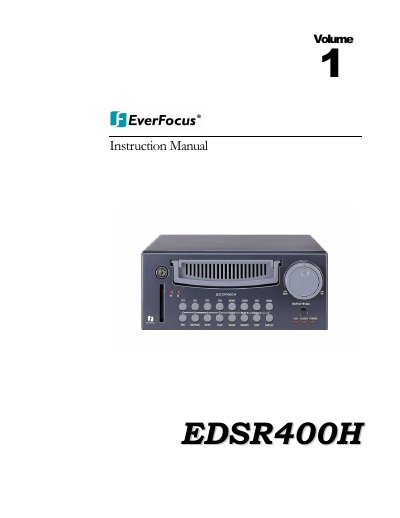
The document serves as a comprehensive user guide for the Everfocus EDSR 400h Digital Video Recorder. It details product features such as M-JPEG compression, hard disk storage with hot-swap capability, and Ethernet TCP/IP connectivity. The manual explains how to utilize front panel keys and back panel connections for video input/output and alarm management.
| Video Input | 4 camera inputs (BNC), 1Vp-p/75ohm |
|---|---|
| Recording Resolution | 720x484 (NTSC); 720x576 (PAL) |
| Hard Disk Storage | 3.5" IDE type, Hot-swappable |
| Power Consumption | 60 W |
The device uses built-in M-JPEG compression/decompression with configurable quality.
Yes, the system utilizes a 3.5" IDE type Hard Disk with Hot-Swap tray.
Yes, it features Ethernet TCP/IP connectivity for remote viewing.