
This manual provides detailed instructions on the features of EDSR 400F / EDSR600F EDSR 900F / EDSR1600F, including product overview, installation and DVR menu setup.
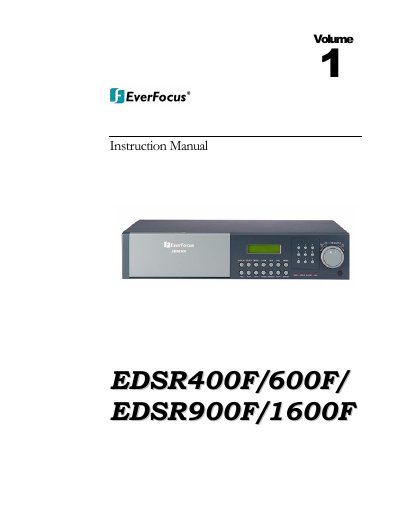
This instruction guide covers the EverFocus EDSR 400F, 600F, 900F, and 1600F Digital Video Recorders. It details product features, front and back panel connections, and the installation process including hard drive setup. The guide explains how to configure the system menu for clock settings, alarms, motion detection, and network connectivity via TCP/IP. This manual is written in Chinese.
| Compression Technology | M-JPEG compression/decompression |
|---|---|
| Storage Media | 3.5" IDE Type Hard Disks |
| Audio Recording | 2 Channel real time |
| RS-232 Connector | D-SUB 9-pin |
| RS-485 Max Distance | 1,000 meters |
You can do a disk renew under Disk menu for EDSR 1600/900/600/400F.
Yes, you can use our DVD burner (Part # VP DVD-100) for EDSR series.
No, this DVR is a duplex unit so you can playback while it is recording.