
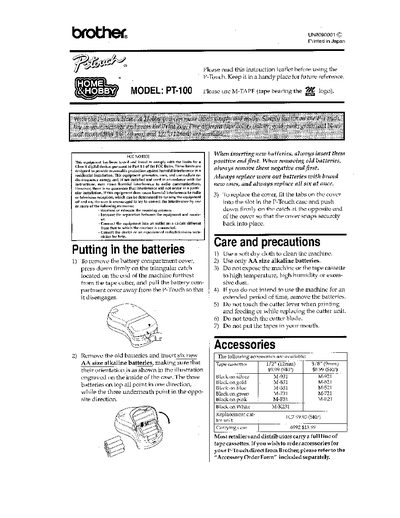
Brother PT-100 Label Maker User Manual


Brother PT-100 Label Maker User Manual - cover page
Brand
Brother
Category
Other Computer Accessories
Document type
User Manual
Language
English
Pages
4
File format
PDF
File size
487 KB
Published
02 July, 2012
Updated
02 July, 2012
MD5 checksum
94AFFA2F106CD994BE488907A8D4F838

About this manual

The Brother PT-100 is a portable thermal label maker that uses AA alkaline batteries. To operate the device, press the Power key to turn it on; it automatically powers off after five minutes of inactivity. Users can type messages up to 55 characters long using capital letters and special keys for symbols or styles like bold text.

What's inside

  • Putting in the batteries
  • How to make a label
  • Changing the tape cassette
  • Cleaning
  • Changing the cutter unit

Frequently asked questions

What type of batteries does the PT-100 use?

The machine requires six new AA size alkaline batteries.

How long can a message be on the label maker?

A message can be up to 55 characters long including spaces.

What should I do if dust appears on the print head?

Turn off the machine, remove the cassette, and wipe the print head with a dry cotton swab.

Download PDF (487 KB)

More Brother Manuals


View all Brother manuals →