
This document is FCC NOTICE, which introduces the usage conditions and precautions for the device
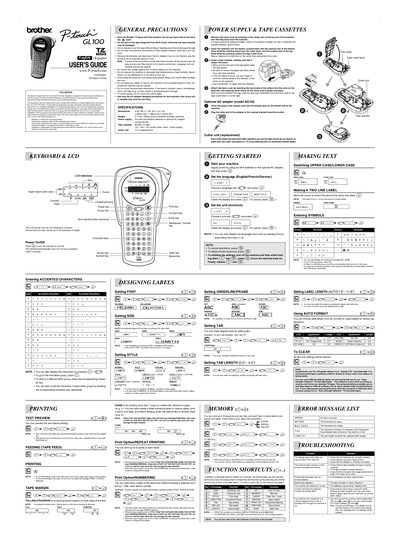
This document is the User's Guide for the Brother P-touch GL-100 garden labeler. It covers essential safety precautions, such as using only Brother TZ tapes and avoiding exposure to high temperatures or humidity. The guide also details how to install batteries or an optional AC adapter and explains the function of the LCD indicators and keys.
| Dimensions | 4.32" (W) x 7.84" (D) x 2.2" (H) |
|---|---|
| Weight | 0.74 lbs. (335g) |
| Power Supply | Six AAA size alkaline batteries or optional AC adapter |
| Tape Cassette | Brother TZ tape |
| Tape Widths | 6mm, 9mm, 12mm |
All text shown in the display and any text files stored in the memory will be lost, along with language and unit settings.
No, you must use only Brother TZ tapes with this machine to avoid damage.
Turn off the machine, hold down the CE key, and press the Power key to turn it back on.
You can print up to 9 copies of each label using the Print Option.