
Intel SATA RAID Configuration Guide


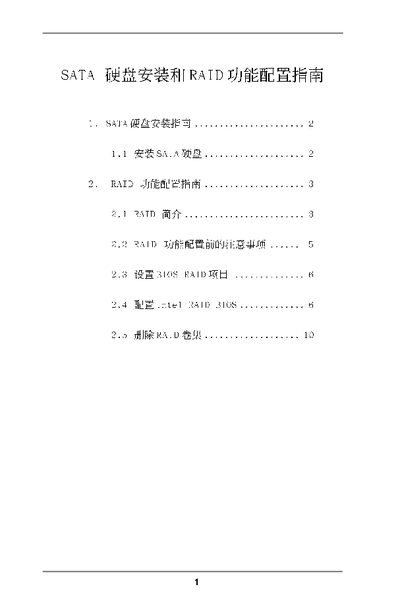
Intel SATA RAID Configuration Guide - cover page
Brand
SATA
Category
Hard disk
Document type
User Manual
Language
Chinese
Pages
10
File format
PDF
File size
959 KB
Published
07 June, 2012
Updated
29 September, 2023
MD5 checksum
7E4966A0AEDCABC0DD9FA8FC7E0A14D1

About this manual

This manual provides instructions for installing Serial ATA (SATA) hard disk drives as internal storage devices. It details the requirements for different Intel Southbridge chipset configurations supporting RAID functionality.

The guide explains various RAID levels including RAID 0, RAID 1, RAID 5, and RAID 10, describing their performance characteristics and fault tolerance capabilities. It also covers the setup of BIOS RAID options and provides step-by-step instructions for using the Intel Application Accelerator RAID Option ROM utility to create and manage RAID volumes. This manual is written in Chinese.

What's inside

  • SATA Drive Installation
  • RAID Introduction
  • RAID Level Descriptions
  • Pre-configuration Notes
  • BIOS Setup
  • Intel RAID BIOS Configuration
  • Creating a RAID Volume
  • Deleting a RAID Volume

Frequently asked questions

What are the supported RAID levels for Intel Southbridge chipsets?

The supported RAID levels include RAID 0, RAID 1, and Intel Matrix Storage. Some chipsets also support RAID 10 and RAID 5.

What is the recommended strip size for most desktops and workstations?

The default value of 128KB provides the best performance for most desktops and workstations.

How do I enter the BIOS setup to configure SATA?

Start your system and press key to enter the BIOS setup program, then navigate to Advanced settings.

Download PDF (959 KB)

More SATA Manuals


View all SATA manuals →