
This document provides a guide for installing SATA hard drives and configuring RAID functionality. It includes instructions for installing SATA hard drives and creating a driver disk for SATA hard drives, as well as steps for configuring RAID 0/RAID 1/JBOD functionality.
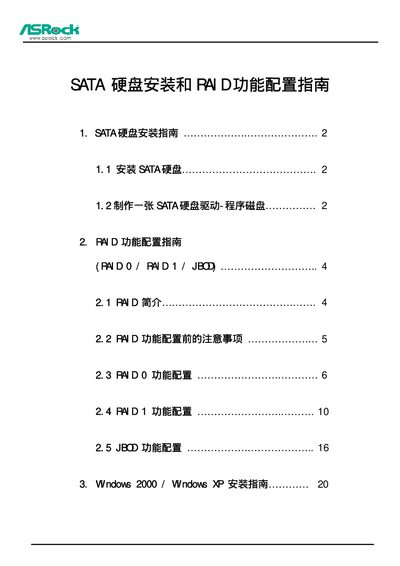
The manual provides step‑by‑step instructions for installing SATA drives on a motherboard and setting up RAID arrays. It covers the required hardware connections, driver installation, and BIOS configuration.
Key sections include SATA installation procedures, RAID 0/1/JBOD configuration using the ALi RAID BIOS Setup Utility, and Windows 2000/XP setup tips such as loading third‑party drivers with F6. This manual is written in Chinese.
| Controller model | M5283 |
|---|---|
| Supported RAID types | RAID 0, RAID 1, JBOD |
| Supported operating systems | Windows 2000, Windows XP |
| Number of SATA ports | SATA1, SATA2 |
Enter the ALi RAID BIOS Setup Utility, choose “Create RAID 0 Striping for Performance”, and press Enter to create the RAID 0 array.
The controller supports RAID 0, RAID 1, and JBOD configurations.
When prompted during Windows setup, press F6 to install a third‑party SCSI or RAID driver for the SATA controller.