
This document introduces how to install SATA hard disk and configure RAID functions on ASUS X79 series motherboards, including RAID 0, RAID 1, RAID 10, RAID 5 and Intel Rapid Storage.
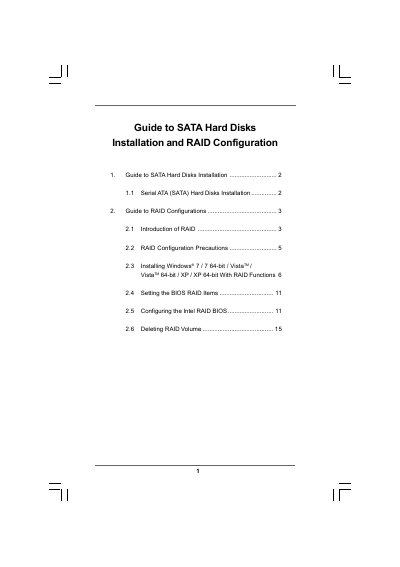
The guide provides step‑by‑step instructions for installing Serial ATA (SATA) hard disks and setting up various RAID configurations. It covers the basics of RAID, safety precautions, and the required BIOS settings.
It also details the process of installing supported Windows operating systems (Windows 7, Vista, XP and their 64‑bit versions) with RAID functions, configuring the Intel RAID BIOS, and deleting RAID volumes when needed.
| Supported Operating Systems | Windows 7, Windows 7 64‑bit, Vista, Vista 64‑bit, XP, XP 64‑bit |
|---|
Use the RAID BIOS to delete the RAID volume as described in section 2.6.
Follow the steps in section 2.5 to configure the Intel RAID BIOS.