
Intel SATA Service Manual – Installation and RAID Configuration Guide

This document is an introduction to a product, the main features are small size and 13 volume levels.
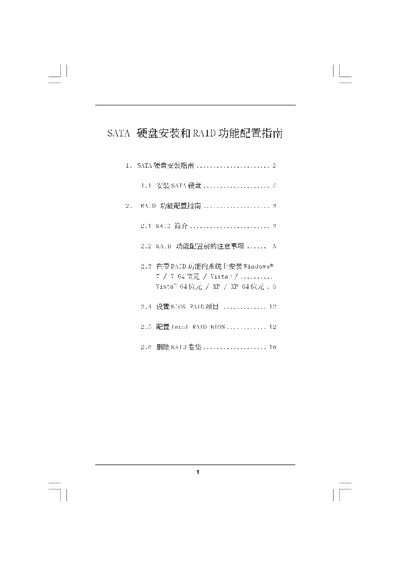

Intel SATA Service Manual – Installation and RAID Configuration Guide - cover page
Brand
SATA
Category
Other
Document type
Service Manual
Language
English
Pages
16
File format
PDF
File size
4.8 MB
Published
14 March, 2012
Updated
28 September, 2023
MD5 checksum
2EE1A4FABF9E62A9A28119EECC50CB07

About this manual

The manual explains how to install SATA hard disks and configure RAID functions on supported motherboards. It covers BIOS settings, SATA operation mode selection, and the creation of RAID volumes.

Detailed sections describe each RAID level (0, 1, 5, 10), precautions such as clearing disk data before creating a RAID, and the procedures for installing Windows operating systems after RAID setup.

What's inside

  • Installation Guide
  • RAID Configuration Guide
  • RAID 0
  • RAID 1
  • RAID 10
  • RAID 5
  • Precautions
  • BIOS Setup
  • Delete RAID Volume

Specifications

Supported SATA versionsSATA, SATAII, SATA3
Maximum volume size shown223.5 GB

Frequently asked questions

What must be done before creating a RAID volume?

Clear all existing disk data before creating the RAID.

Download PDF (4.8 MB)

More SATA Manuals


View all SATA manuals →