
The document is a BIOS setup utility that provides information about the system overview, system time and date, processor type and speed, etc. It allows configuring advanced settings including CPU, chipset, IDE, PCIPnP, floppy, SuperIO, USB, and ACPI.
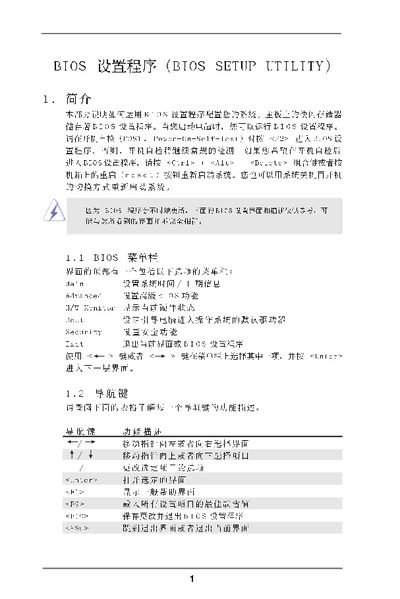
This manual explains how to use the BIOS Setup Utility to configure SATA hard‑disk settings, enable RAID mode, and adjust related system options. It covers navigation keys, menu structure, and detailed configuration screens such as CPU, chipset, ACPI, and IDE settings.
The document also provides step‑by‑step instructions for saving or discarding changes, as well as an appendix describing AMD Cool’n’Quiet technology for power management. This manual is written in Chinese.
| Total Memory | 512MB with 64MB shared memory |
|---|---|
| Primary IDE Master Size | 400 GB |
| SMART Support | Supported |
Press