
The document describes multiple versions of a product and their features and characteristics.
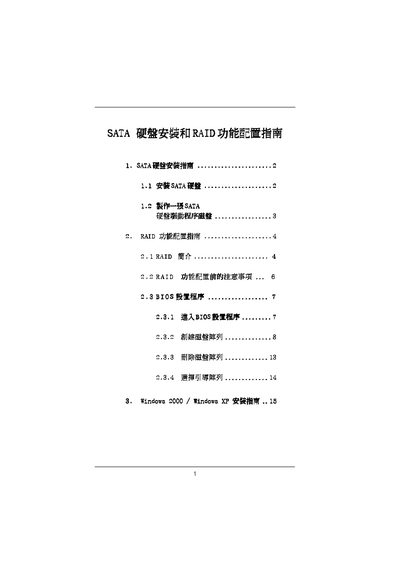
This manual explains how to install SATA hard drives on a motherboard that uses the VIA VYT8237 chipset and how to connect the drives to the SATA connectors. It includes step‑by‑step instructions for mounting the drives, attaching data cables, and preparing a bootable SATA driver diskette.
The document also covers RAID configuration, describing RAID 0, RAID 1, and JBOD modes, BIOS setup, creating and deleting arrays, and installing Windows 2000 or Windows XP with the appropriate SATA drivers. Precautions for capacity matching and data protection are provided. This manual is written in Chinese.
| Supported RAID levels | RAID 0, RAID 1, JBOD |
|---|---|
| Supported chipset | VIA VYT8237 |
| Supported operating systems | Windows 2000, Windows XP |
The chipset supports RAID 0, RAID 1, and JBOD configurations.