
This document introduces the SATA hard disk RAID functions supported by Z77 chipsets, including RAID 0, RAID 1, RAID 5, RAID 10 and Intel Rapid Storage.
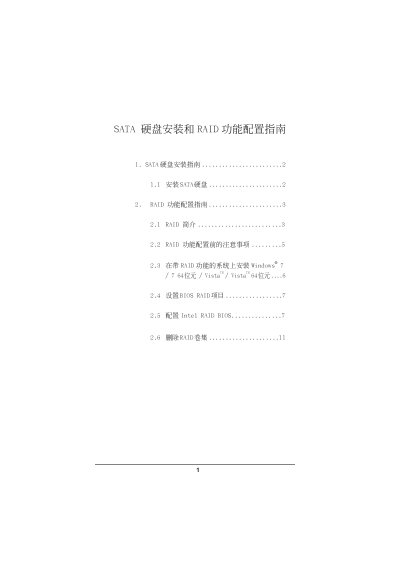
This document provides instructions for installing Serial ATA (SATA) hard drives and configuring RAID functionality on systems equipped with the Intel Z77 chipset. It covers supported RAID levels including RAID 0, RAID 1, RAID 5, RAID 10, and Intel Rapid Storage.
The guide details the steps to prepare for RAID configuration, such as backing up data and selecting appropriate drive capacities. It also provides step-by-step instructions for setting up the BIOS SATA mode to RAID, accessing the Intel RAID Utility via Ctrl+I, creating new volumes, selecting strip sizes, and managing existing RAID arrays or deleting them. This manual is written in Chinese.
The guide supports Windows 7, Windows 7 64-bit, Vista, and Vista 64-bit.
The default value for the strip size is 128KB.
Creating a RAID 5 configuration requires at least three identical hard disk drives.