
Intel Z75 SATA Hard Disk Installation and RAID Configuration Guide

This document introduces the Intel Z75 chipset's RAID function configuration guide, including RAID 0, RAID 1, RAID 5, RAID 10 and Intel Rapid Storage.
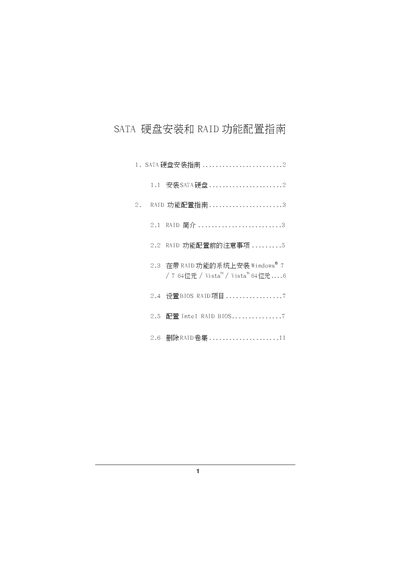

Intel Z75 SATA Hard Disk Installation and RAID Configuration Guide - cover page
Brand
SATA
Category
Hard disk
Document type
User Manual
Language
Chinese
Pages
11
File format
PDF
File size
533 KB
Published
08 June, 2012
Updated
30 September, 2023
MD5 checksum
6161EA9131DA5DD22C01B16952F3166C

About this manual

This document provides instructions for installing Serial ATA (SATA) hard drives on a motherboard equipped with the Intel Z75 chipset. It covers the setup of various RAID configurations including RAID 0, RAID 1, RAID 5, and RAID 10, as well as the use of Intel Rapid Storage technology. This manual is written in Chinese.

What's inside

  • SATA Hard Disk Installation
  • RAID Introduction
  • Pre-configuration Notes
  • Installing Windows with RAID
  • Setting BIOS RAID Items
  • Configuring Intel RAID BIOS
  • Deleting RAID Volumes

Frequently asked questions

What RAID levels are supported by the Intel Z75 chipset?

The chipset supports RAID 0, RAID 1, RAID 5, RAID 10, and Intel Rapid Storage.

What is the minimum number of hard drives required for a RAID 5 configuration?

A RAID 5 configuration requires at least three identical hard drive units.

What is the minimum number of hard drives required for a RAID 10 configuration?

A RAID 10 configuration requires at least four hard drive units.

Download PDF (533 KB)

More SATA Manuals


View all SATA manuals →