
This document introduces how to configure RAID on ASUS P67 series motherboards
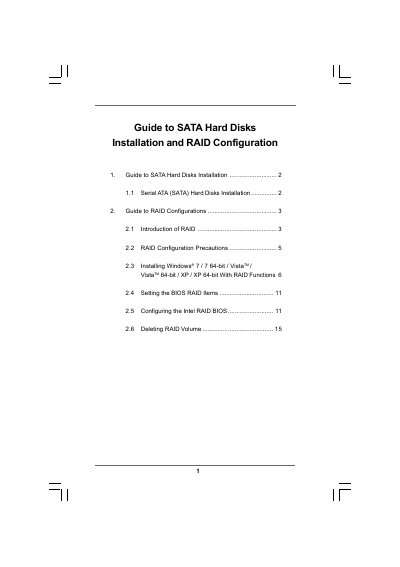
The document provides step‑by‑step instructions for installing Serial ATA (SATA) hard disks on a motherboard that uses the Intel P67 chipset. It covers BIOS settings, driver preparation, and the creation of RAID volumes using Intel Rapid Storage technology.
It also details RAID configuration options, precautions, migration from a non‑RAID system, and how to delete RAID volumes. The guide includes specific guidance for Windows XP, Vista, and Windows 7 installations with RAID enabled.
| Number of SATA Channels | Four independent SATA channels |
|---|---|
| Minimum Drives for RAID 10 | Four hard disk drives |
| Minimum Drives for RAID 5 | Three hard disk drives |
A minimum of four hard disk drives is required for this setup.
If you use two drives of different sizes, the smaller capacity hard disk will be the base storage size.