
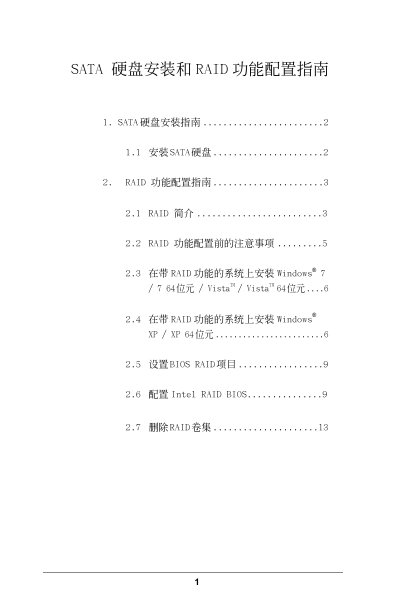
This document provides a guide for installing SATA hard drives and configuring RAID functionality. It includes instructions for installing SATA hard drives, an introduction to RAID, considerations before configuring RAID, and steps for installing different versions of Windows on systems with RAID functionality. It also covers setting up BIOS RAID items and configuring Intel RAID BIOS.
This document provides instructions for installing SATA hard drives and configuring RAID functionality on a system equipped with an Intel X79 chipset. It details support for Serial ATA (SATA) drives in various RAID configurations.
The guide explains different RAID levels, including RAID 0 for performance, RAID 1 for data mirroring, RAID 5 for balance, and RAID 10 for high speed and fault tolerance. It also covers the Intel Rapid Storage technology which allows creating virtual RAID arrays on two physical drives. This manual is written in Chinese.
RAID stands for Redundant Array of Independent Disks, which is a method that combines two or more hard drives into one logical unit.
A RAID 5 configuration requires at least three identical hard drive units.
The default value for the strip size in a RAID 0 array is 128KB.