
This manual provides detailed instructions on how to install and configure SATA hard drives and RAID functions.
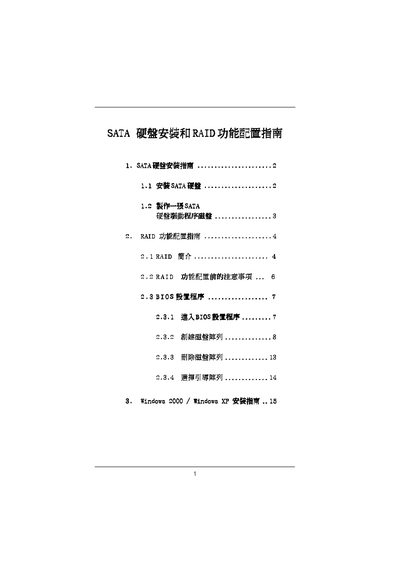
This manual provides step‑by‑step instructions for setting up SATA RAID using the VIA VT8237 controller. It covers BIOS configuration, RAID level selection (RAID 0, RAID 1, JBOD) and the use of the VIA RAID Tool.
The document also includes details on disk size limits, block‑size options, and troubleshooting tips such as using F6 to load third‑party drivers during boot. This manual is written in Chinese.
| Supported RAID Levels | RAID 0, RAID 1, JBOD |
|---|
The controller supports RAID 0, RAID 1, and JBOD configurations.
Press F6 at the boot screen to load the VIA RAID driver or a third‑party SCSI/RAID driver.