
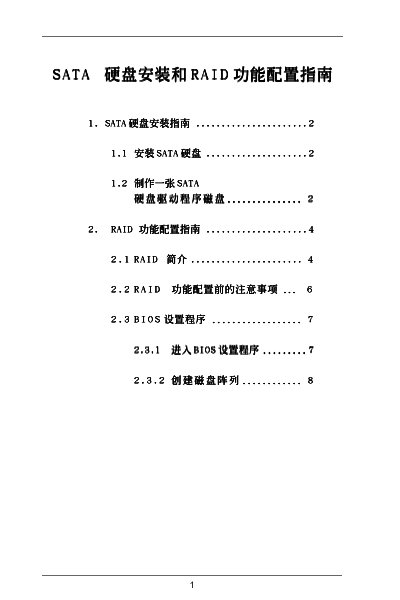
This document provides a guide for SATA hard drive installation and RAID configuration. The main topics include SATA hard drive installation instructions, creating a SATA hard drive driver disk, an introduction to RAID functionality, and BIOS setup procedures.
This manual explains how to set up and manage SATA RAID on ASRock motherboards that use the NVIDIA nForce3 chipset. It covers BIOS configuration, RAID mode selection, and using the NVIDIA RAID Utility.
The guide provides step‑by‑step procedures for entering the RAID setup utility, creating new arrays, and configuring RAID 0, RAID 1, and JBOD modes. It also includes information on driver installation and troubleshooting common issues.
| Supported RAID modes | RAID 0, RAID 1, JBOD |
|---|---|
| SATA operation mode option | RAID |
| BIOS utility version | v02.53 |
| NVIDIA RAID IDE ROM BIOS version | 4.81 |
Press F10 during POST to launch the RAID setup utility.
The utility supports RAID 0 (striping), RAID 1 (mirroring), and JBOD.
In the BIOS, select the SATA operation mode and set it to [RAID].
The document references NVIDIA RAID IDE ROM BIOS version 4.81.