
This document introduces the steps of replacing Apple iMac G5 17-inch power supply, including preparation, disassembly of power supply, installation of power supply, etc.
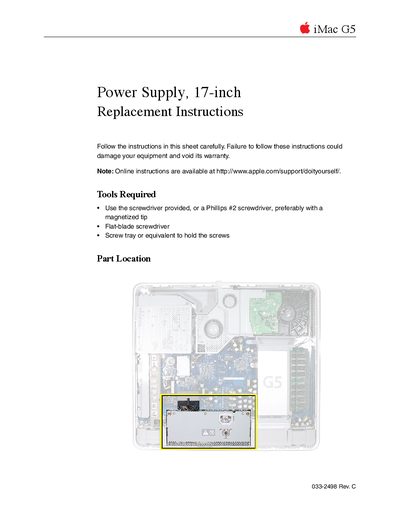
This document provides step-by-step instructions for replacing the power supply in an Apple iMac G5 (17-inch) computer. It details the necessary tools, such as a Phillips #2 screwdriver, and emphasizes safety precautions like grounding yourself to prevent static electricity damage.
The guide covers identifying specific model features, such as the ambient light sensor, and provides detailed procedures for opening the computer case, removing the old power supply, installing the new unit, and reassembling the device. It also includes warnings about warranty voiding if non-brass colored screws are removed.
You need a Phillips #2 screwdriver (preferably magnetized), a flat-blade screwdriver, and a screw tray to hold screws.
Look for a small bump protruding from the case along the bottom of the display bezel next to the middle case screw.
You should only remove all customer removable screws that are brass colored; removing others will void your warranty.