
This document is a guide for replacing the optical drive of the 033-2493 Rev. C iMac G5 20-inch. It provides instructions on how to open the computer, install the optical drive, and important things to know.
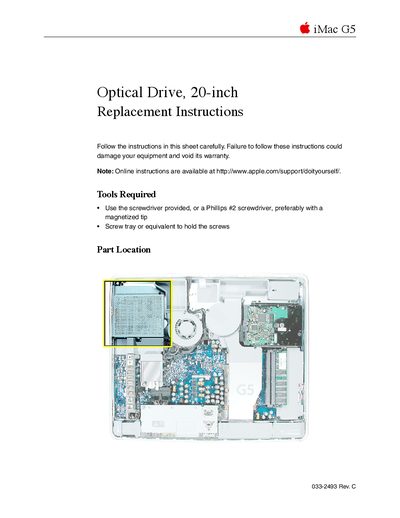
This document provides step-by-step instructions for replacing the optical drive in an Apple iMac G5 (20-inch) model. It lists the necessary tools, such as a Phillips #2 screwdriver or the one provided with the replacement part, and emphasizes safety precautions like grounding yourself to prevent static electricity damage.
The guide details how to open the computer case by loosening captive screws on the back cover, removing the old drive by pulling its tab, and installing the new unit. It concludes with instructions for reassembling the case, reconnecting power, and powering on the computer.
You need to use the screwdriver provided with the part, or a Phillips #2 screwdriver, preferably with a magnetized tip.
Remove the four screws holding it in place, then pull the optical drive tab straight up and to the right.
Slide the optical drive into place and press down near the tab to reconnect the drive.