
This document provides installation instructions for the Apple iMac (Flat Panel, 1 GHz) and iMac (USB 2.0) AirPort Extreme Card, including steps such as opening the computer and installing the card.
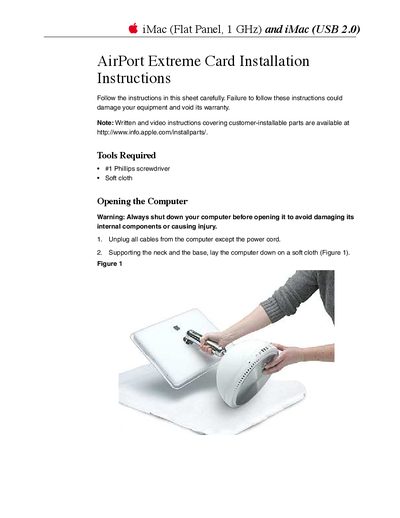
This document provides instructions for installing the AirPort Extreme Card into specific iMac models. It details the required tools, safety precautions regarding electrostatic discharge, and the step-by-step process of opening the computer case to access the internal slot.
The guide covers connecting the antenna, inserting the card until it clicks into place, and closing the computer. It also includes warnings about shutting down the system before opening and ensuring all parts are secured before restarting.
You need a #1 Phillips screwdriver and a soft cloth.
There are four captive screws at the base of the computer.