
Apple iMac G5 AirPort Extreme Card 20-inch Replacement Instructions

AirPort Extreme Card, 20-inch iMac Replacement Instructions
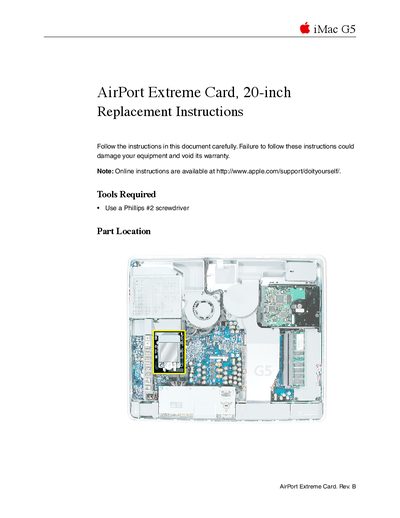

Apple iMac G5 AirPort Extreme Card 20-inch Replacement Instructions - cover page
Brand
Apple
Category
All-in-One Desktops
Document type
User Manual
Language
English
Pages
11
File format
PDF
File size
2.2 MB
Published
05 June, 2012
Updated
30 September, 2023
Model
iMac G5
MD5 checksum
4A0A1DC856FA33936F27BB00CA903218

About this manual

This document provides step-by-step instructions for replacing the AirPort Extreme Card in an iMac G5 (20-inch). It details the necessary tools, safety precautions regarding static electricity, and the procedure to open the computer case. The guide explains how to remove the old card from its guide and install a new replacement unit.

What's inside

  • Tools Required
  • Opening the Computer
  • Removing the AirPort Extreme Card
  • Installing the Replacement Card
  • Closing the Computer

Frequently asked questions

What tool is required to open the iMac G5 case?

You must use a Phillips #2 screwdriver to loosen the captive screws on the back cover.

How many revolutions should you turn the middle case screw?

Turn the middle screw counterclockwise about five revolutions to loosen it.

What safety step must be taken before touching internal parts?

You must ground yourself by touching the metal surface inside the computer to discharge static electricity.

Download PDF (2.2 MB)

More Apple Manuals


View all Apple manuals →