
This document is an instruction sheet for replacing the hard drive of the 033-2489 Rev. C iMac G5 17-inch model. It provides step-by-step instructions and important information to follow during the replacement process.
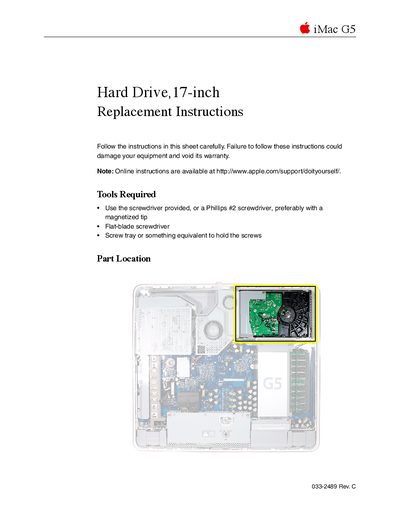
This document provides detailed instructions for replacing the hard drive in an Apple iMac G5 (17-inch) model. It lists the necessary tools, such as a Phillips #2 screwdriver with a magnetized tip, and emphasizes safety precautions like grounding yourself to prevent static electricity damage.
The guide covers the complete procedure from powering down the computer and removing the back cover to accessing the internal components. Specific steps include removing service modules like the fan cover and video cable before disconnecting cables and lifting out the hard drive.
You must use the provided screwdriver or a Phillips #2 screwdriver, preferably with a magnetized tip.
Carefully lift the hard drive up about one inch to access the connection points.
You are required to return the hard drive to Apple in the packaging provided.