
This document is about the replacement instructions for 033-2504 Rev.C iMac G5 back cover and stand. It provides detailed steps for replacing the back cover and stand, emphasizes the precautions and tool requirements, as well as warranty information.
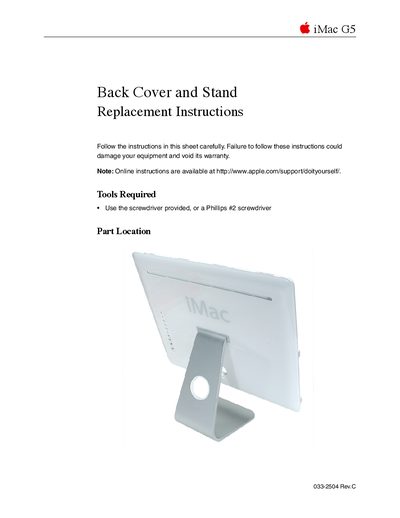
This document provides step-by-step instructions for removing and installing a replacement back cover and stand on an Apple iMac G5. It covers safety precautions, required tools, and specific steps to transfer serial number labels from the original unit to the new part before reassembly.
The guide details how to safely power down the computer, remove captive screws, detach the old cover, and install the replacement. It concludes with instructions for reconnecting cables, positioning the computer upright, and powering it on.
You must use the provided screwdriver or a Phillips #2 screwdriver.
Only remove the brass colored customer removable screws to avoid voiding your warranty.
You need to copy the serial number and the Ethernet number from the bottom of the stand.