
This document provides replacement instructions and important information for the 033-2502 Rev. D iMac G5 Inverter, 17-inch, including required tools, part location, and important things to know.
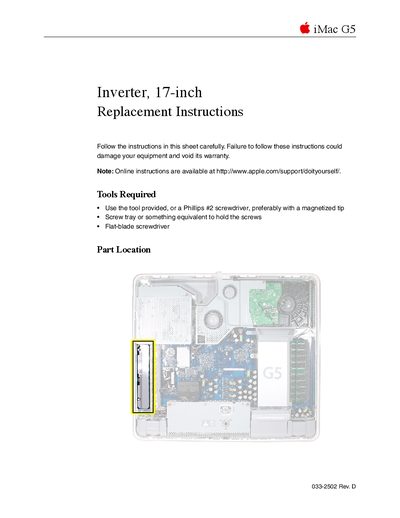
This document provides detailed instructions for replacing the inverter on an Apple iMac G5 (17-inch) computer. It outlines necessary safety precautions, such as grounding yourself to avoid static electricity, and lists the specific tools required, including a Phillips #2 screwdriver with a magnetized tip.
The guide covers the complete disassembly process, starting from shutting down the system and removing the back cover to accessing internal components like the optical drive. It details how to disconnect cables and remove screws to access the inverter assembly before providing steps for reassembly.
You need a Phillips #2 screwdriver (preferably with a magnetized tip), a screw tray, and a flat-blade screwdriver.
You must ground yourself by touching the metal surface inside the computer before handling parts and avoid pulling on individual wires.