
Instructions on how to replace the iMac G5 (17-inch) optical drive
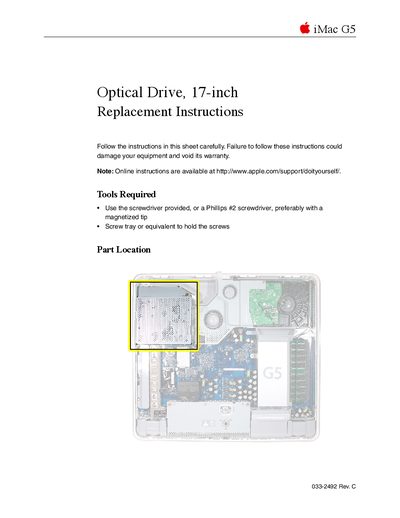
This document provides detailed instructions for replacing the optical drive in an Apple iMac G5 (17-inch) computer. It lists the necessary tools, such as a Phillips #2 screwdriver with a magnetized tip, and emphasizes safety precautions like grounding yourself to prevent static electricity damage.
The guide covers the complete procedure from opening the computer case by loosening captive screws on the back cover, to removing the old optical drive and installing the replacement unit. It includes specific steps for seating the new drive correctly and returning the old part to Apple.
You must use the provided screwdriver or a Phillips #2 screwdriver, preferably with a magnetized tip.
There are three optical drive screws that must be removed to take out the drive.
You must return the optical drive to Apple in the packaging provided.